
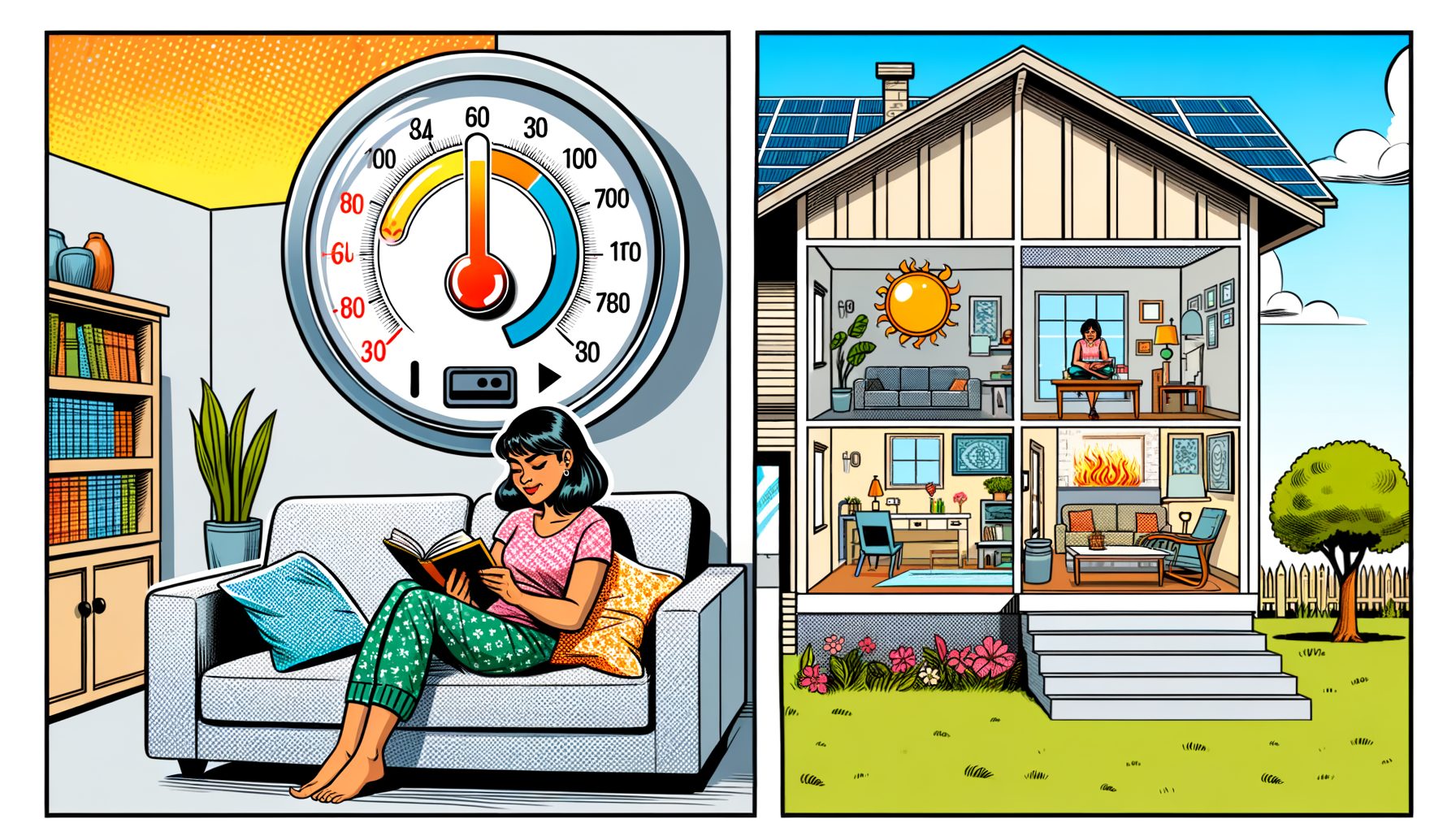
When summer bills soar or a room feels sticky despite the chill, the culprit is often your thermostat strategy, not the AC itself. Dialing in optimal settings that trade a little number-chasing for steady comfort is easier than it appears, and a few smart tweaks can cut costs without giving up your cool. In this guide, you’ll find clear, science-backed recommendations, practical steps, and real‑world examples to help you set it right for any climate and lifestyle.
Why Thermostat Settings Matter: The Hidden Cost of Overcooling
Plenty of us treat the thermostat like a volume knob—crank it down when we’re hot, blast the AC, and hope for instant relief. Truth is, a very low setpoint doesn’t cool faster; it simply keeps the system running longer, often overshooting comfort and your budget. Energy experts point out that steady, realistic setpoints beat aggressive bursts. The U.S. Department of Energy reports that raising your thermostat by 7–10°F (about 4–6°C) for 8 hours daily can trim up to 10% from annual heating and cooling costs. Over a season, that adds up.
Overcooling breeds its own discomforts. When indoor air is cold while humidity stays high, you feel clammy instead of refreshed. Comfort depends on more than temperature—airflow, moisture, clothing, and sun exposure all play roles. For instance, high humidity can make 24°C (75°F) feel warmer than it reads. With decent airflow and around 50% relative humidity, many people feel perfectly fine at 26°C (78°F), especially once curtains or shades cut the sun.
Equipment health matters, too. Long runtimes at extreme setpoints can stress components, shorten an AC’s lifespan, and even frost coils when airflow is restricted. HVAC technicians frequently find clogged filters, blocked vents, or poor thermostat placement behind uneven temperatures and higher energy use. The usual cure: a moderate setpoint, better humidity control, proper airflow, and a schedule that mirrors your routine.
Bottom line: don’t chase “cold”; aim for steady, realistic comfort. Pick sensible setpoints for daytime, sleep, and away periods—then tweak for humidity and sun. Well, here it is: let’s turn that idea into clear numbers you can use.
Recommended Setpoints for Common Situations (With Celsius and Fahrenheit)
Think of these numbers as a starting point you can personalize. The goal is consistent comfort, not an icebox. For most homes, 26°C (78°F) while you’re home and active hits the sweet spot. At night, a small reduction can help sleep, though airflow and humidity control usually matter more than big temp drops.
Key tips before the numbers:
– Keep indoor relative humidity between 40% and 60% to avoid clamminess and mold risk.
– Every 1°F (0.6°C) you raise the cooling setpoint can save roughly 1% on energy over time, especially when done consistently.
– Fans boost comfort at higher setpoints—moving air can feel 2–3°C (4–6°F) cooler.
Suggested setpoints and expected impact:
| Situation | Suggested Setpoint | Notes | Estimated Energy Impact |
|---|---|---|---|
| Home & Active (Day) | 26°C (78°F) | Balances comfort and cost; add airflow for a cooler feel. | Baseline |
| Sleeping | 24–25°C (75–77°F) | A small drop may aid sleep; try fans before going colder. | +2–4% energy vs. day setpoint |
| Away (8+ hours) | 29°C (84°F) | Raise the setpoint 3–4°C (7–10°F) when out. | Up to ~10% annual savings when consistent |
| Heatwave (Peak Price Hours) | 27–28°C (80–82°F) | Pre-cool before peak, then let it drift higher; use fans. | Reduces peak usage costs |
| High Humidity Climates | 25–26°C (77–78°F) with dehumidification | Keep RH at 40–60%; dryness makes small temp changes feel bigger. | Better comfort at similar kWh |
In practice: Working from home? Set 26°C (78°F) and run a ceiling fan on low-to-medium. Heading out for the day? Schedule ~29°C (84°F), then have the system start cooling 30–45 minutes before you return. For sleep, try 25°C (77°F) plus a fan. If 25°C still feels warm, check humidity first; when RH tops 60%, tackle moisture with a dehumidifier or longer AC cycles instead of dropping the setpoint dramatically.
These targets align with widely used guidance. The U.S. Department of Energy recommends 26°C (78°F) when you’re home and cooling, paired with scheduled setbacks while you’re away. For thermal comfort ranges by clothing and activity level, see ASHRAE Standard 55.
Comfort Is More Than Temperature: Humidity, Airflow, Clothes, and Sun
Thermal comfort blends temperature, humidity, air speed, radiant heat, and clothing. Focus only on the thermostat number and easy wins slip by. Start with humidity: once RH climbs above 60%, sweat evaporates slowly and you feel sticky; drop below 30% and air feels dry. Aim for 40–60% RH. Your AC dehumidifies as it cools, but in very humid climates or tight homes, a dedicated dehumidifier can make 26°C (78°F) feel as comfortable as 24°C (75°F)—with less energy.
Next lever: airflow. Ceiling fans, pedestal fans, or the “circulate” setting on a smart thermostat raise perceived cooling. That effect—known as convective cooling—is strong enough that many people can bump the setpoint up by 2–3°C (4–6°F) without feeling warmer. Fans sip power compared with compressors—often under 75 watts—so the math tilts heavily in your favor. Just remember, fans cool people, not rooms; switch them off when you leave.
Sun and radiant heat count as well. Sunlight through windows warms surfaces and your body directly. Close blinds or install reflective shades on sun-facing glass. What’s interesting too: exterior shading or well-placed trees can cut indoor heat significantly. Even small habits—closing curtains between 11 a.m. and 4 p.m.—can let you run a higher setpoint with the same comfort.
Clothing and activity round out the picture. Light, breathable fabrics help at warmer setpoints. If you’re cooking or exercising, expect a brief comfort dip; using a range hood, bathroom fans, or a window fan quickly vents heat and moisture.
Then this: airflow health checks. Replace or clean filters every 1–3 months during heavy use, keep vents clear, and make sure door undercuts allow return air to flow. Poor airflow lengthens runtimes, raises energy use, and reduces dehumidification. When rooms vary in temperature, partially close dampers in over-cooled spaces or balance vents to improve distribution. With these small tweaks, 26°C (78°F) often feels easy and comfortable in everyday life.
Smart Thermostat Playbook: Schedules, Geofencing, Pre-Cooling, and TOU Rates
Smart thermostats shine when paired with a simple plan. Start with a weekday and weekend schedule: 26°C (78°F) when home and active, 24–25°C (75–77°F) for sleeping if you like it cooler, and 29°C (84°F) when you’re away for 8+ hours. Add geofencing so the thermostat shifts to “away” once everyone leaves and begins cooling when you’re on the way back. That setup removes hassle while preserving comfort.
Now add pre-cooling. If your utility uses time-of-use (TOU) pricing with expensive afternoon/evening hours, pre-cool to 25–26°C (77–78°F) in late morning, then let the setpoint rise to 27–28°C (80–82°F) during peak rates while using fans. That approach cuts peak energy costs and eases strain on the grid. Many smart thermostats can automate pre-cooling using your utility’s rate plan and weather forecasts.
Adaptive algorithms learn how quickly your home cools and warms, nudging start/stop times to hit targets on schedule. If “eco” or “away” modes are available, set a comfort band—say, 26–28°C (78–82°F) when the home is empty. Wider bands reduce short cycling and save energy. With multi-split or ductless systems, schedule each zone and cool only the rooms you occupy.
Integrations help, too. Link your thermostat with smart shades, ceiling fans, or occupancy sensors to stack savings. For example, when the living room reaches 26°C (78°F) and sun is intense, drop the shades and switch on a fan before lowering the setpoint. The sequence maintains comfort at a lower energy cost than hammering the compressor.
Real-world result: In a typical 90 m² (1,000 ft²) apartment with moderate insulation, a 26°C (78°F) home setpoint plus a 29°C (84°F) away setpoint, pre-cooling before TOU peaks, and consistent fan use often yields 8–15% summer cooling savings with no comfort penalty. Your exact number depends on climate and building, but the pattern is reliable—and once dialed in, you’ll rarely touch the thermostat.
Troubleshooting and Special Cases: Two-Story Homes, Mini‑Splits, Heatwaves, and Thermostat Placement
Two-story homes tend to run warmer upstairs because heat rises and the roof soaks up sun. Try running the system fan on “auto” and a ceiling fan upstairs to mix air; slightly close a few downstairs supply vents to push more cool air up (but avoid closing too many, which harms airflow); and schedule pre-cooling in late afternoon to counter roof heat. If the upper floor still lags by several degrees, consider zoning, a booster fan, or a dedicated mini‑split.
For ductless mini‑splits, steady operation works best. These systems are most efficient while modulating, not short cycling. Pick a realistic target—26°C (78°F) in occupied zones—and let the inverter work. In very humid weather, “dry” mode prioritizes dehumidification with modest cooling and often improves comfort without much change in temperature.
During heatwaves, skip “turbo” cold settings. Pre-cool in the morning, close blinds, and use fans. If your utility calls demand response events, participation can earn bill credits while you maintain comfort at a slightly higher setpoint. Hydration matters, and vulnerable people deserve extra attention; heat stress can creep up quickly, especially when nights stay hot.
Thermostat placement also shapes comfort more than most expect. Avoid direct sun, hot kitchens, or drafts. A bad location fools the system and causes overcooling or undercooling. Renters who can’t move a thermostat can add a remote sensor (supported by many smart models) and control based on the room you actually use.
If the AC runs nonstop, start with basics: check the filter, open all major return and supply vents, ensure doors aren’t sealing off rooms, and clear debris from the outdoor unit. When problems persist, low refrigerant, blocked coils, or undersized equipment may be at fault—time to call a pro. If it feels cold yet muggy, extend runtime at a slightly higher fan speed, try “dry” mode if available, or add a dehumidifier. Comfortable, dry 26°C (78°F) nearly always beats a cold-and-damp 23°C (73°F).
FAQs
Q1: Will setting my AC to a very low temperature cool the house faster?
A: No. Most systems cool at a fixed rate. A lower setpoint makes the unit run longer, not faster. Use a reasonable target and pre-cool before peak heat if needed.
Q2: What’s the best temperature for sleeping?
A: Try 24–25°C (75–77°F) with a fan for airflow. Some prefer cooler, but check humidity first—when RH is 40–60%, many people sleep well without going very cold.
Q3: How much can I save by raising the thermostat?
A: Roughly 1% per 1°F (about 2% per 1°C) over time, with up to ~10% annual savings when you raise the setpoint by 7–10°F (4–6°C) for 8 hours daily, according to energy agencies.
Q4: Is 26°C (78°F) comfortable for everyone?
A: Comfort varies. With good airflow and RH near 50%, many people feel fine at 26°C. If it’s still too warm, use a fan, reduce sun load, or nudge down 0.5–1°C at a time.
Q5: Should I leave the fan on “auto” or “on”?
A: “Auto” is more efficient because the fan runs only during cooling cycles. A ceiling or pedestal fan provides continuous airflow in occupied rooms at lower cost and better comfort.
Conclusion
Here’s the takeaway: real comfort and real savings come from a smart blend of temperature, humidity control, and airflow—not from chasing the lowest possible number. Start with a steady home setpoint near 26°C (78°F), use 24–25°C (75–77°F) for sleep if needed, and bump up to ~29°C (84°F) when you’re away. Pair those settings with fans, blinds, and a clean filter, and you’ll likely feel better while using less energy. If your climate is humid, keep RH in the 40–60% range; adding a dehumidifier or using “dry” mode can unlock better comfort at higher setpoints.
Put the plan into action today: program your schedule, enable geofencing, and set a simple pre-cooling routine before peak heat or peak prices. Do a quick airflow check—replace the filter, clear vents, and run a ceiling fan where you spend the most time. If one room refuses to cooperate, tackle sun control and thermostat placement, and consider zoning or a mini‑split for targeted cooling.
Your next step takes under 15 minutes: set 26°C (78°F) for daytime, create an “away” schedule at 29°C (84°F), and turn on a fan in your main space. Track how you feel for a week. Such a small habit change can deliver meaningful, recurring savings without sacrificing comfort.
Comfort is a daily experience—and it’s within your control. Make one change today, enjoy cooler, drier air, and keep more money in your pocket. What small tweak comes first: a smarter schedule, a fan boost, or a better blinds routine?
Useful Links:
– U.S. Department of Energy – Thermostats and Control Systems: https://www.energy.gov/energysaver/thermostats
– U.S. Department of Energy – Ceiling Fans: https://www.energy.gov/energysaver/ceiling-fans
– ENERGY STAR – Smart Thermostats: https://www.energystar.gov/products/smart_thermostats
– ASHRAE Standard 55 (Thermal Environmental Conditions): https://www.ashrae.org/technical-resources/bookstore/standard-55-thermal-environmental-conditions-for-human-occupancy
– U.S. EPA – Humidity and Mold Guidance: https://www.epa.gov/mold/brief-guide-mold-moisture-and-your-home
– WHO – Heat and Health Overview: https://www.who.int/news-room/fact-sheets/detail/climate-change-heat-and-health
Sources:
– U.S. Department of Energy, Energy Saver: Thermostats – Recommended setpoints and savings estimates
– ENERGY STAR: Smart thermostat guidance and scheduling best practices
– ASHRAE Standard 55: Thermal comfort ranges and the role of air movement
– U.S. EPA: Indoor humidity targets and mold prevention
– WHO: Health risks related to extreme heat and practical guidance