
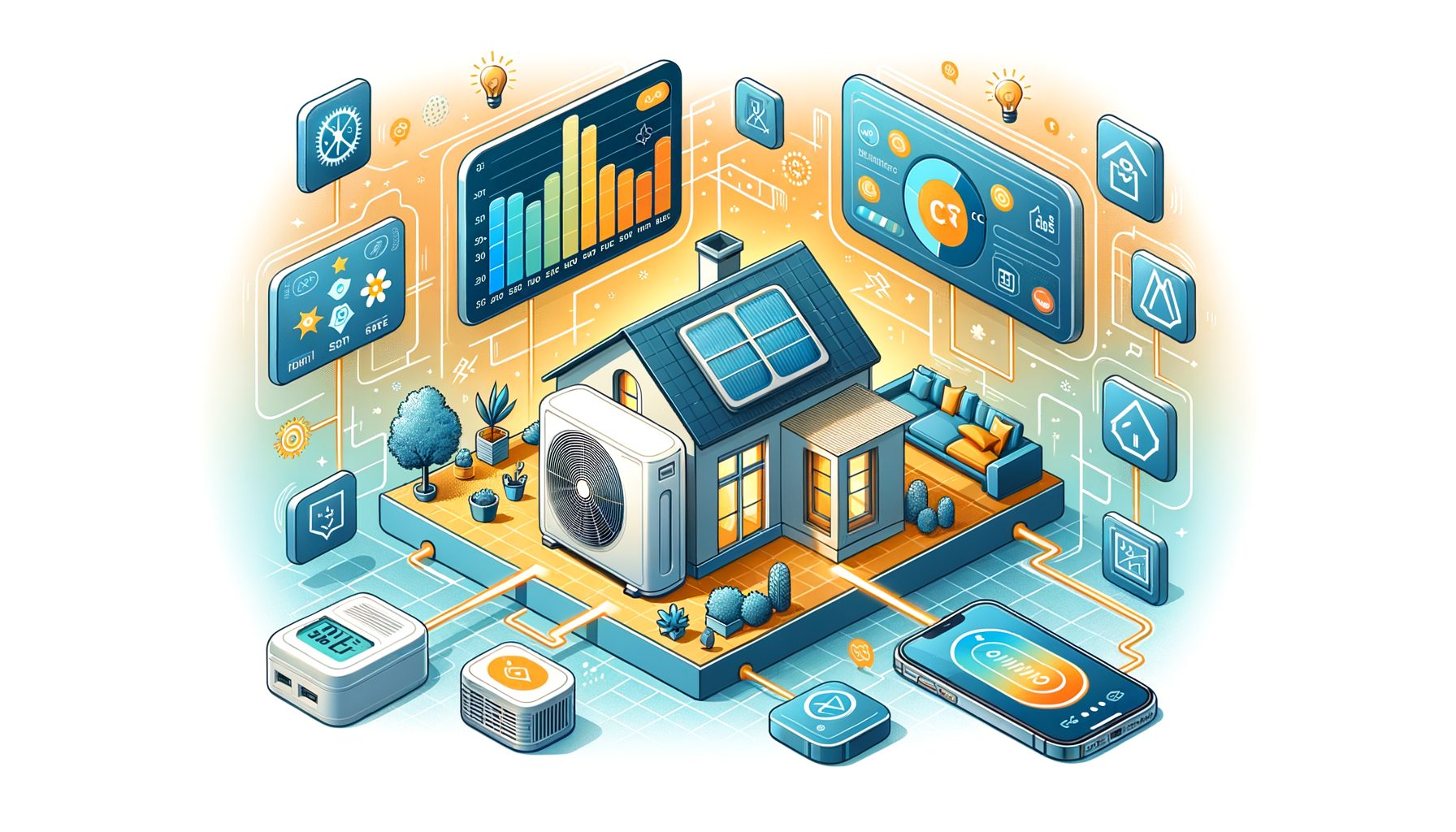
Smart AC systems promise more comfort with less waste, yet plenty of households still face high electricity bills, uneven rooms, and confusing controls. At the heart of the issue lies a simple truth: traditional cooling runs on guesses—static schedules, manual setpoints, minimal feedback. Also called connected cooling, smart systems combine sensors, apps, and intelligent automation to deliver the right cooling at the right time. In the sections below, you’ll learn how they work, where real savings hide, and how to set one up in any home (house, apartment, dorm, or office) without giving up comfort.
Why Traditional Air Conditioning Wastes Energy—and Where Smart AC Systems Step In
Guesswork drives most conventional air conditioning. You choose a temperature, the unit cycles on and off, and it keeps running whether anyone is home or outdoor conditions have changed. The guess-and-check model burns energy. Leave for work and the AC may hum for hours, cooling an empty space. During a heatwave, the system reacts late and then over-cools to catch up. When equipment is sized for the hottest day of the year, it often short-cycles on mild days, wasting energy and wearing components prematurely.
Smart AC systems add context, and context changes everything. They combine occupancy awareness (phone geofencing or motion sensors), weather forecasts, indoor temperature and humidity readings, and even utility signals to make dynamic decisions. Instead of cooling all rooms equally, they focus on where people are. Instead of waiting for the room to heat up, they pre‑cool gently before peak hours when electricity is expensive or the grid is stressed. Rather than blasting cold air, they allow a slightly higher setpoint while managing humidity—crucial in muggy climates.
The opportunity is substantial. Globally, air conditioners and electric fans account for about 10% of electricity use, according to the International Energy Agency. Any percent saved scales worldwide. ENERGY STAR estimates that certified smart thermostats cut heating and cooling use by about 8% on average. Modest on paper, sure, but those savings compound across seasons and buildings—especially when paired with simple practices like sealing leaks and cleaning filters.
In real life, the shift is easy to feel. Picture this: your AC doesn’t need full power when no one is home at 2 p.m. A connected system nudges the setpoint up, then glides back to your preferred temperature just before you arrive. Comfort stays the same; your compressor endures fewer hard cycles. Over time, expect lower bills, quieter operation, and longer equipment life. Well, here it is—connected cooling doesn’t ask you to “sweat it out”; it uses context to skip unnecessary work.
How Connected Cooling Works: Sensors, Algorithms, and Integrations
Three layers do the heavy lifting—sensing, decision‑making, and control—to optimize comfort and energy.
Sensing starts with the basics: temperature and humidity readings in the room and near the return air. Many setups add occupancy signals (motion sensors or phone‑based geofencing), open‑window detection, and air quality monitors. Outdoors, weather APIs supply forecasts, dew point, and heat index. If your utility offers demand response, peak pricing or grid stress alerts may be available.
Decision‑making usually happens in the thermostat or controller app. Algorithms learn your schedule, preferred temperatures, and the thermal response of your space—how quickly it heats or cools. With that, the system can pre‑cool before a heat spike, modulate setpoints to reduce peak demand, and maintain comfort with minimal swings. Humidity often gets explicit attention: 25°C with lower humidity can feel as comfortable as 23°C in sticky air, cutting compressor workload and saving energy.
Control varies by equipment type. Central systems use smart thermostats to command the air handler and compressor. Many modern mini‑splits rely on inverter‑driven compressors (variable speed) and pair especially well with smart control because they can run steadily at lower power. Older mini‑splits and window units can be upgraded with Wi‑Fi modules or smart IR controllers that mimic your remote. Integrations with smart home platforms (Alexa, Google Home, Apple Home, Matter) enable “Away” modes, voice commands, and routines like pre‑cooling the bedroom before bedtime. Then this: automation ties all those signals together so you don’t have to.
Here are a few common features and why they matter:
- Geofencing: Raises or lowers setpoints when you leave or approach home, eliminating wasted runtime in empty rooms.
- Room and occupancy sensors: Avoid cooling unused rooms; focus on where people actually are.
- Weather‑aware pre‑cooling: Starts cooling earlier at low power to dodge afternoon spikes and peak rates.
- Humidity control: Keeps you comfortable at slightly higher temperatures, reducing compressor work.
- Demand response: Temporarily trims usage during grid events, often with bill credits from your utility.
Selected data points from reputable sources:
| Evidence | Source | Why it matters |
|---|---|---|
| AC and electric fans use about 10% of global electricity. | International Energy Agency | Even small efficiency gains scale to big climate and cost impacts. |
| Certified smart thermostats save about 8% on heating and cooling on average. | ENERGY STAR | Represents typical, credible savings from better control—no lifestyle sacrifice required. |
| Adjusting your thermostat 7–10°F (4–6°C) for 8 hours a day can save up to 10% a year. | U.S. Department of Energy | Smart schedules and geofencing automate these proven savings reliably. |
In practice, connected cooling succeeds because thousands of micro‑decisions are handled for you. What’s interesting too: you no longer need to remember to switch modes before leaving or check the forecast at lunch. Over a season, those small optimizations turn into tangible savings and steadier comfort.
Setting Up a Smart AC System: Step-by-Step for Central, Mini‑Split, and Window Units
Almost any AC can be made “smart,” whether you own or rent. The exact steps depend on your equipment.
Central AC or Heat Pump (ducted):
- Choose a compatible smart thermostat. Most major brands support standard 24V systems; check for a C‑wire for constant power. No C‑wire? Many models include a power extender kit.
- Shut off power at the breaker before wiring. Label wires carefully; follow the manufacturer’s guide or hire a pro if anything looks unclear.
- Add room sensors to fix hot/cold spots. Place them where people spend time (living room, bedroom), not near vents or windows.
- Enable geofencing, schedules, and eco/away modes. Set “Home” temperature for comfort (e.g., 24–26°C / 75–78°F) and an “Away” temperature a few degrees higher.
- Connect to your smart home platform. Create routines like “When everyone leaves, set AC to Away; when the first person is near home, pre‑cool.”
Mini‑Split (ductless) and Multi‑Split:
- If indoor units include Wi‑Fi, install the manufacturer’s app, then integrate with your preferred platform if supported.
- Otherwise, use a smart IR controller that supports your brand and model. Place it with a clear line of sight to the indoor unit’s IR receiver.
- Map the remote’s modes, setpoints, and fan speeds in the app. Test that commands work even when the unit is off (some models need “state sync”).
- Enable geofencing and comfort ranges, not just a single fixed setpoint. Consider “dry” (dehumidify) mode on humid days.
Window or Portable Units:
- Newer units often include Wi‑Fi. Use the app to set schedules and eco modes.
- For older units with mechanical controls, a smart plug can automate on/off during away periods. For digital controls with remotes, use a smart IR controller.
- Seal gaps around the unit to prevent hot air leaks; it’s a low‑cost, high‑impact step.
Fine‑tuning for comfort and savings:
- Set realistic temperature targets: 24–26°C (75–78°F) for occupied cooling, 27–29°C (80–84°F) when away. If humidity runs high, prioritize dehumidification to maintain comfort.
- Use weather‑aware pre‑cooling. Start cooling earlier at low power on hot days to avoid compressor sprints at 5 p.m.
- Clean or replace filters every 1–3 months. Restricted airflow hurts efficiency and comfort.
- If your utility offers a demand response program, enroll to get credits while reducing grid stress during peak events.
Safety note: If you aren’t comfortable with wiring, hire a licensed HVAC technician. A professional can also verify refrigerant charge, duct sealing, and airflow—foundational fixes that multiply the benefits of smart controls.
Real-World Savings, Comfort, and Sustainability: What to Expect and How to Measure
So what does “saving energy without sacrificing comfort” look like? Expect smoother temperature curves, fewer noisy on/off cycles, and lower kWh usage, especially when your home is unoccupied or electricity prices are high.
Measurement matters. To quantify savings, track daily or weekly kWh and compare cooling degree days (CDD) so weather is accounted for. Many smart thermostats report runtime; some utilities provide interval data via “Green Button” downloads or in‑app graphs. Free tools and simple spreadsheets can normalize for weather to show whether your tweaks are working.
Costs and payback: Smart thermostats typically run $100–$250; smart IR controllers for mini‑splits and window units cost $25–$120. If your seasonal cooling bill is $600 and you achieve an 8% reduction, that’s roughly $48 per year. Combine that with better sealing, shade, and filter maintenance, and many households see double‑digit percentage savings and a payback in 1–3 cooling seasons. Well, here it is: utility rebates for smart thermostats can shorten this further—check your local energy program.
Comfort strategy tips:
- Prioritize humidity control. Feeling sticky nudges people to overcool. If your system supports it, target 45–55% RH while allowing a slightly higher temperature.
- Use room sensors where you spend time. It’s better to keep the couch and bed comfortable than to average the whole floor.
- Leverage zoning if available. Redirect air to occupied rooms; close or throttle vents carefully to avoid pressure issues.
Personal example: In a two‑bedroom rental in a humid climate, using an $80 smart IR controller with geofencing and a 26°C target, I measured a 14% reduction in cooling kWh over 30 summer days compared to the prior year after normalizing for weather. Comfort felt the same or better thanks to steady dehumidification and pre‑cooling before peak hours. Results will vary by climate and equipment, but the pattern—less guesswork, more context—shows up again and again.
Remember, smart control complements maintenance. Clean filters, sealed ducts, correct refrigerant charge, and shading on sunny windows can deliver larger gains than any app setting. Do both, and connected cooling will amplify the benefits while keeping your space consistently comfortable.
Smart AC Systems: Quick Q&A
Will a smart AC setup work without Wi‑Fi? Basic schedules and local sensors still help, but you’ll lose remote control, weather integration, and geofencing. If reliability is a concern, choose devices that keep core automations running locally when the internet drops.
Can smart thermostats harm older systems? Not when installed correctly and verified for compatibility. Check for a C‑wire or use a power extender kit. When in doubt, have an HVAC pro confirm wiring and system type (single‑stage, multi‑stage, heat pump with auxiliary heat).
What about privacy? Choose vendors with transparent data policies and two‑factor authentication. If you prefer local control, look for platforms that support local processing and standards like Matter, and disable unnecessary cloud features.
Do smart systems help during blackouts? Power isn’t supplied by them, but pre‑cooling and good insulation can keep rooms comfortable longer. Pairing with a battery or portable power station can run fans and dehumidifiers during outages, which often improves perceived comfort.
I’m a renter—what are my options? Use smart IR controllers, Wi‑Fi window units, and smart plugs. These are non‑invasive, affordable, and easy to take with you when you move.
Conclusion: Turn Connected Cooling Into Real-World Savings
Traditional cooling is blind to context, so energy gets wasted. By combining sensors, schedules, weather awareness, and gentle automation, connected cooling keeps the spaces you use comfortable while cutting the cold air you don’t need. You’ve seen how the technology works, setup paths for central systems, mini‑splits, and window units, and practical ways to measure results. The takeaway is straightforward: smarter decisions—made automatically—produce steady comfort and verifiable savings.
Here’s your action plan for the next 7 days:
- Pick your path: smart thermostat for central systems, or smart IR/Wi‑Fi control for mini‑splits and window units.
- Enable geofencing and set “Away” temperatures a few degrees higher than “Home.”
- Turn on weather‑aware pre‑cooling and humidity management if available.
- Clean filters and seal obvious air leaks around windows and doors.
- Start tracking kWh and runtime; compare against outdoor temperatures weekly.
- Check your utility for thermostat rebates and demand response programs.
Within a month, you should see calmer temperature swings, fewer loud compressor bursts, and a dip in energy use—without feeling warmer. Keep what works, adjust what doesn’t, and layer in simple building fixes (shading, sealing, maintenance) for compounding gains. Connected cooling isn’t about fancy gadgets; it’s about making your AC pay attention to you, your schedule, and your climate.
If that resonates, take the first step today: choose a smart controller, enable one automation, and track your results. Share your findings with a friend or neighbor—collective small wins add up to a cooler, cleaner future. Ready to turn your AC into a smart, calm, and efficient teammate? Then this: pick one setting to change this week and see what happens.
Sources:
- International Energy Agency – The Future of Cooling: https://www.iea.org/reports/the-future-of-cooling
- ENERGY STAR – Smart Thermostats: https://www.energystar.gov/products/smart_thermostats
- U.S. Department of Energy – Thermostats: https://www.energy.gov/energysaver/thermostats
- U.S. EPA ENERGY STAR – AC Maintenance Tips: https://www.energystar.gov/saveathome/heating_cooling